01
Observer & Scraper
Content scripts watch the DOM for changes. When the LLM responds, the scraper analyzes new elements — extracting text, code syntax, images, and inferred context in real time.
v2.0.0 — Now Available
Dendrite indexes questions, extracts code, and visualizes your logic flow across ChatGPT, Claude, and Gemini — entirely within your browser.
Works on Chrome · Brave · Edge · Arc
Capabilities
Scrolling through endless history to find a code snippet or retrace a question wastes energy. As you converse, Dendrite runs locally to analyze and categorize your chats. It monitors the conversation in real-time, automatically indexing code blocks, parsing question threads, and collecting references without sending any data to external servers.
// Extraction Pipeline Heuristics
Dendrite works identically across ChatGPT, Claude, and Google Gemini. The platform detection is automatic — simply open any supported chat and the sidebar populates instantly.
ChatGPT
Claude
Gemini
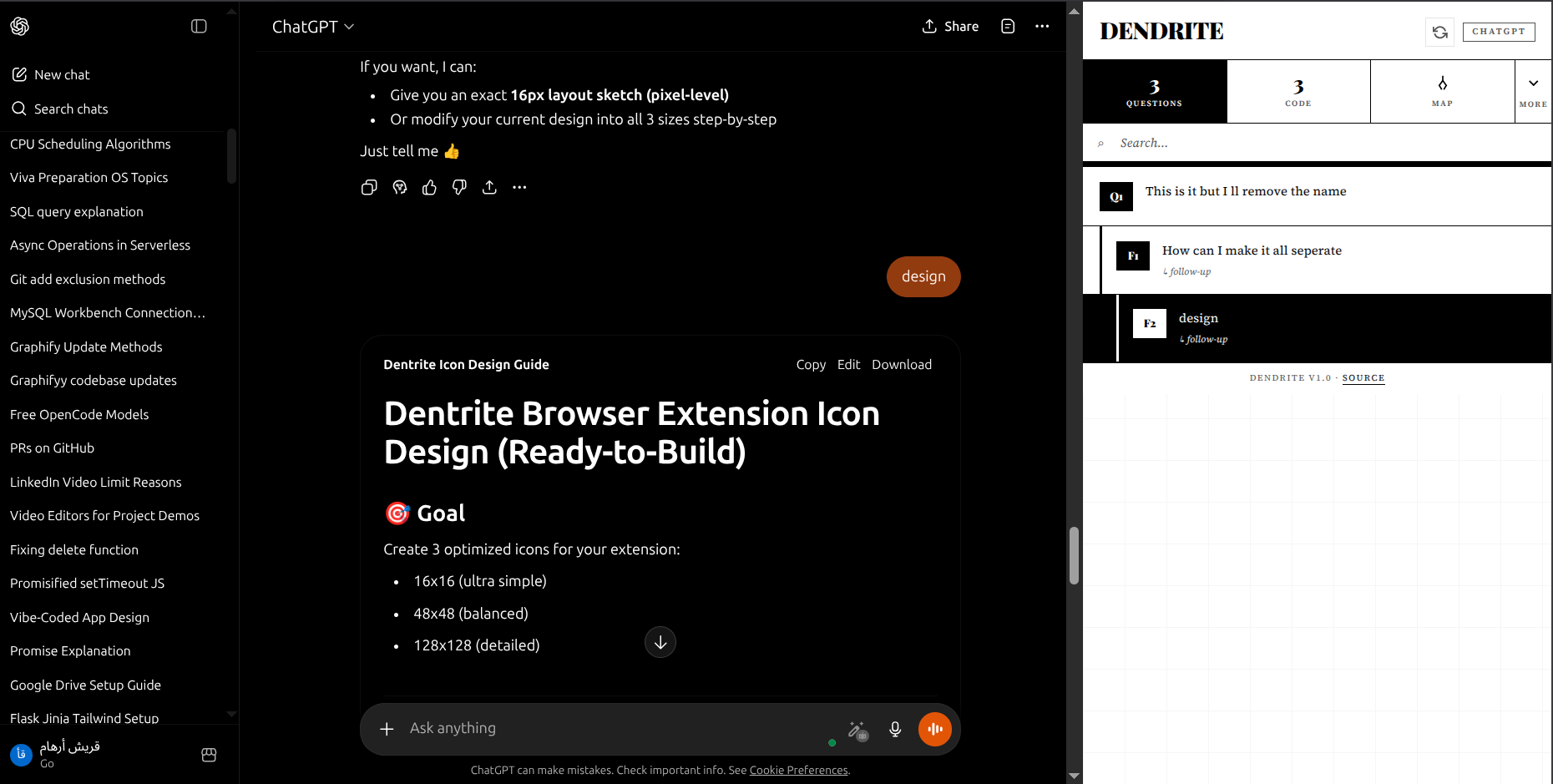 ChatGPT
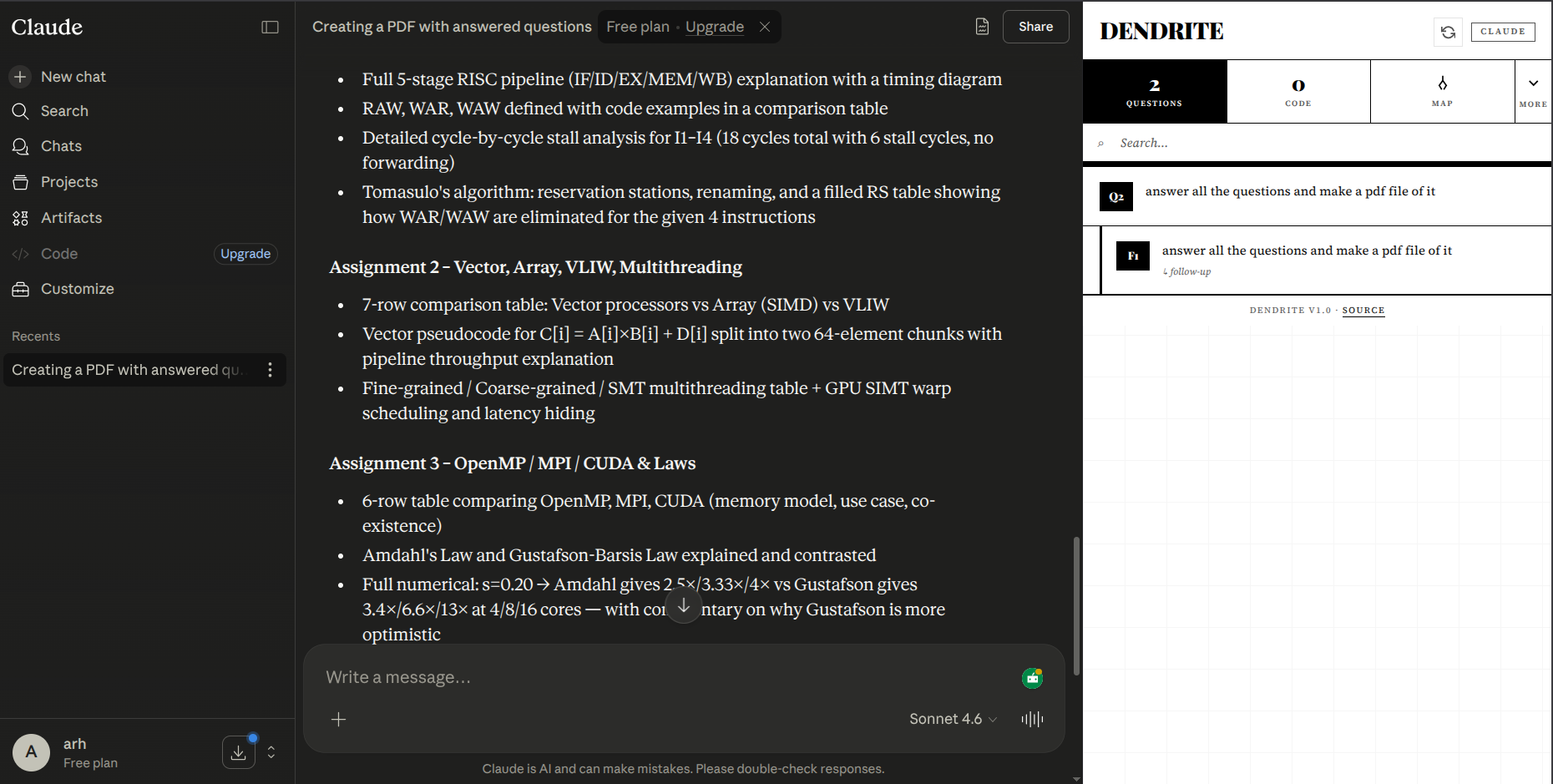 Claude
The Logic Map renders your entire conversation as an interactive dendrogram — a branching tree of thought. The layout engine runs in WebAssembly, compiled from C++ for O(n) performance.
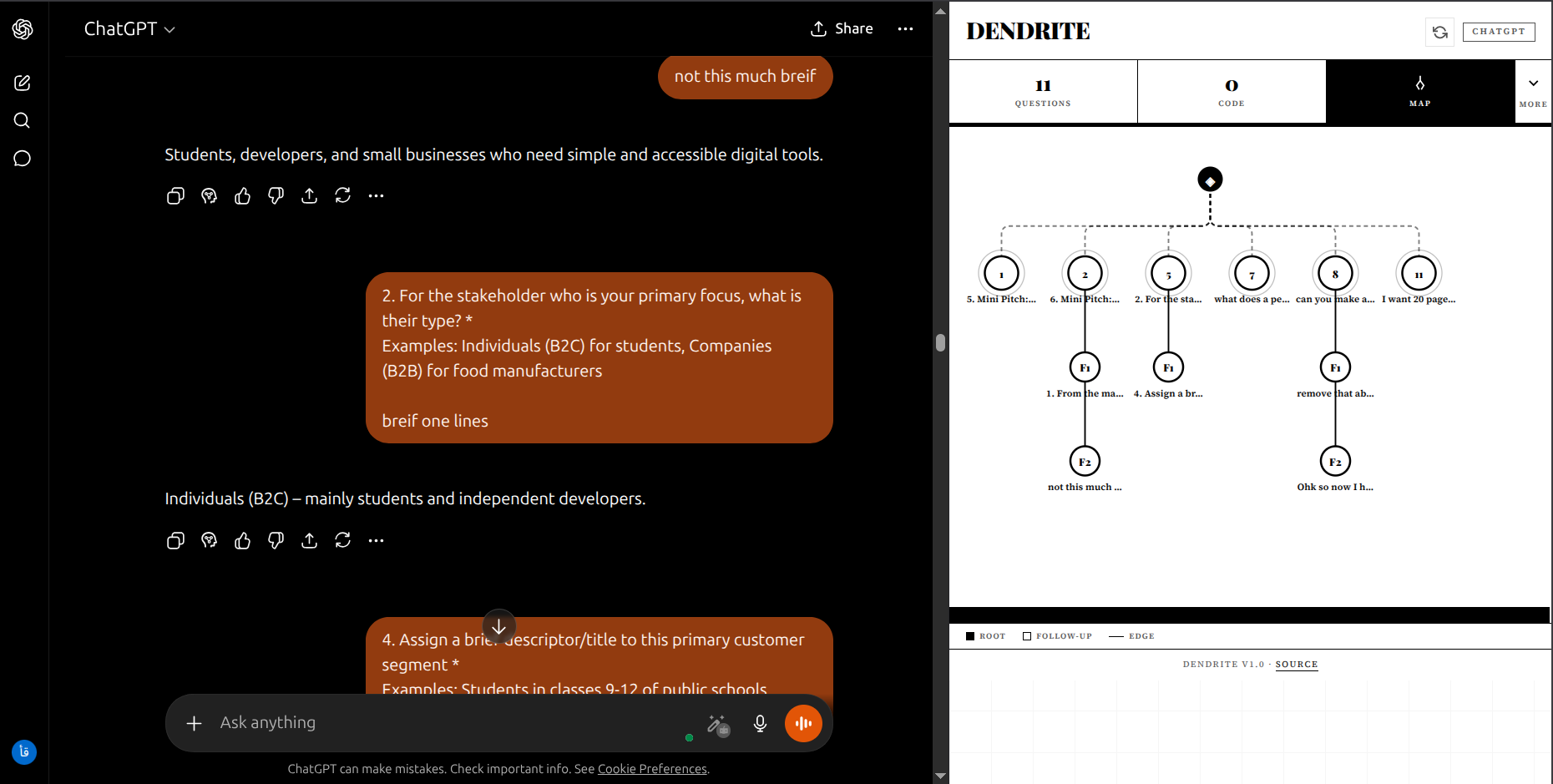 Full Tree
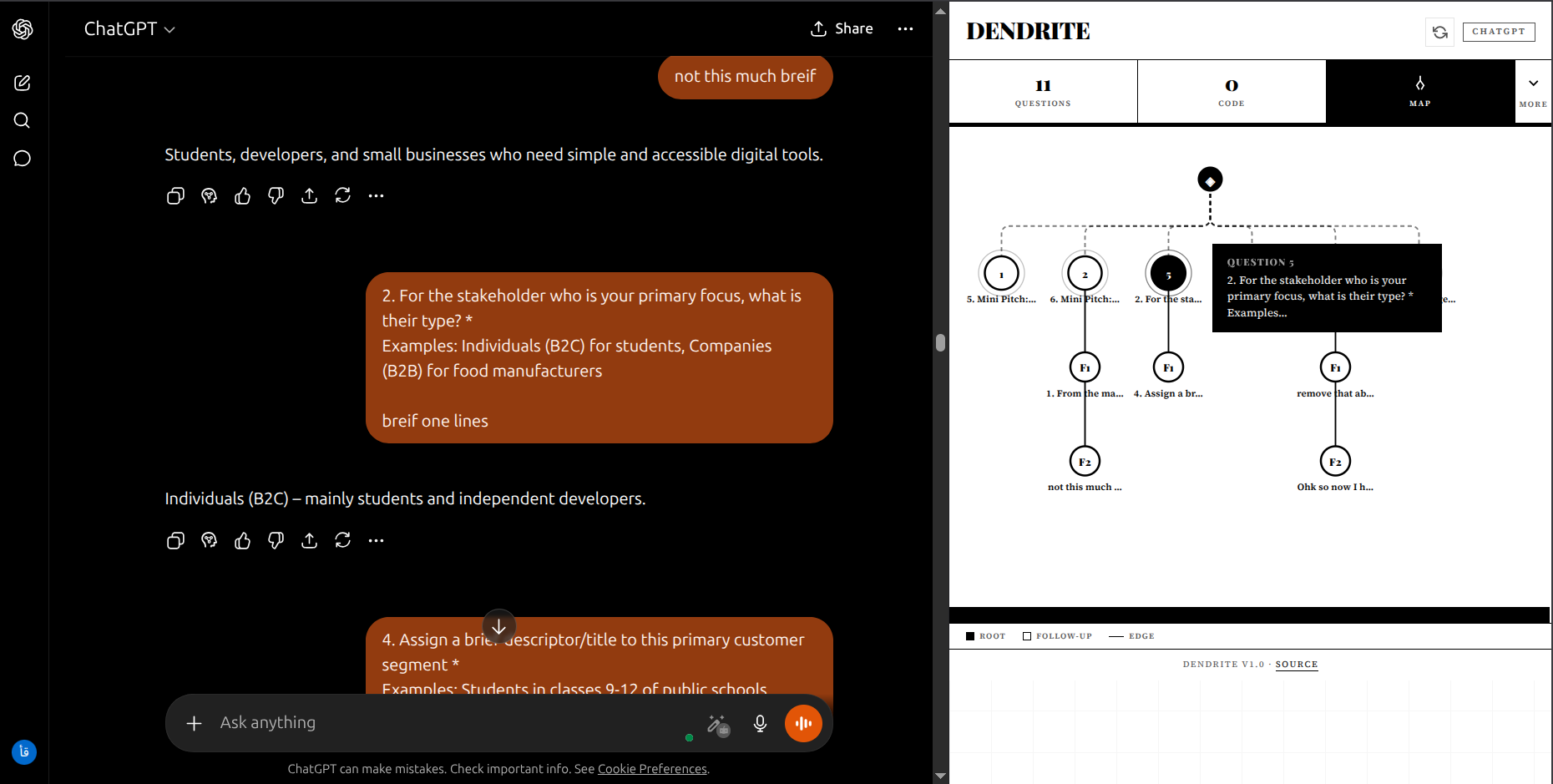 Node Detail
Export your entire conversation context as a polished Dev-Doc.md or Context-README.md. Perfect for archiving research sessions, onboarding teammates, or migrating context between projects.
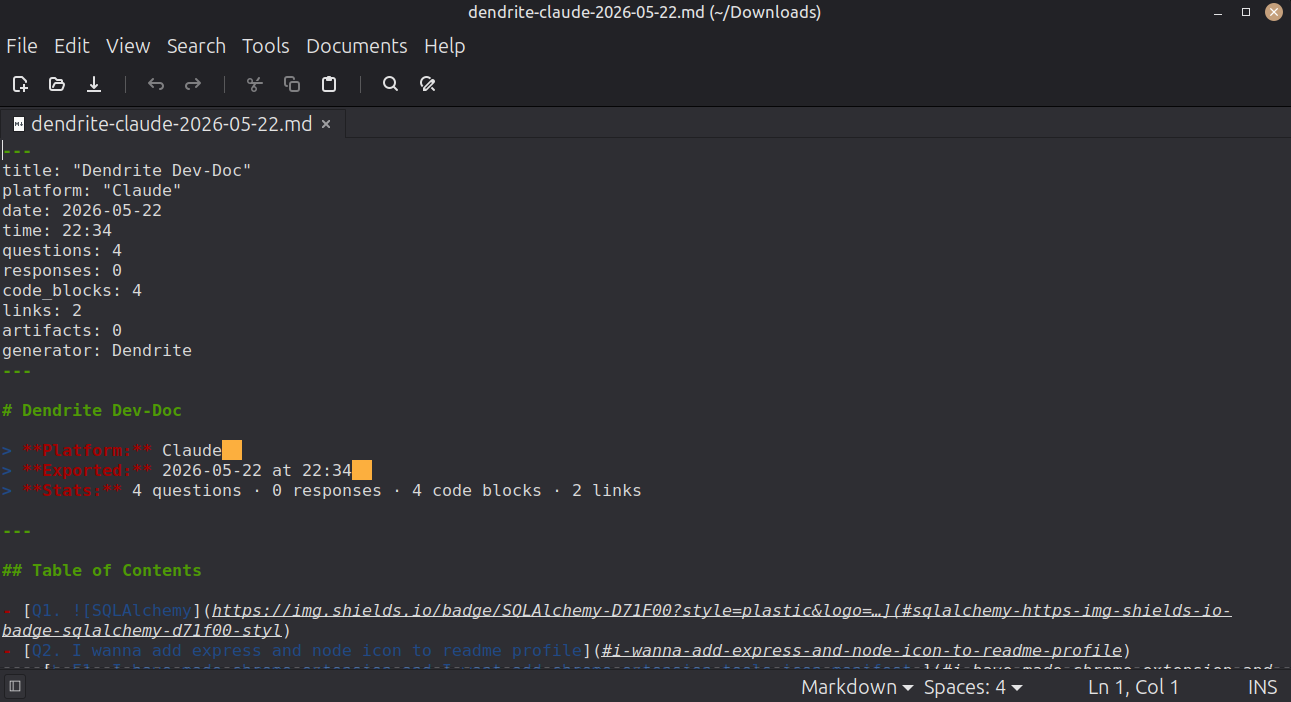 Dev-Doc Export
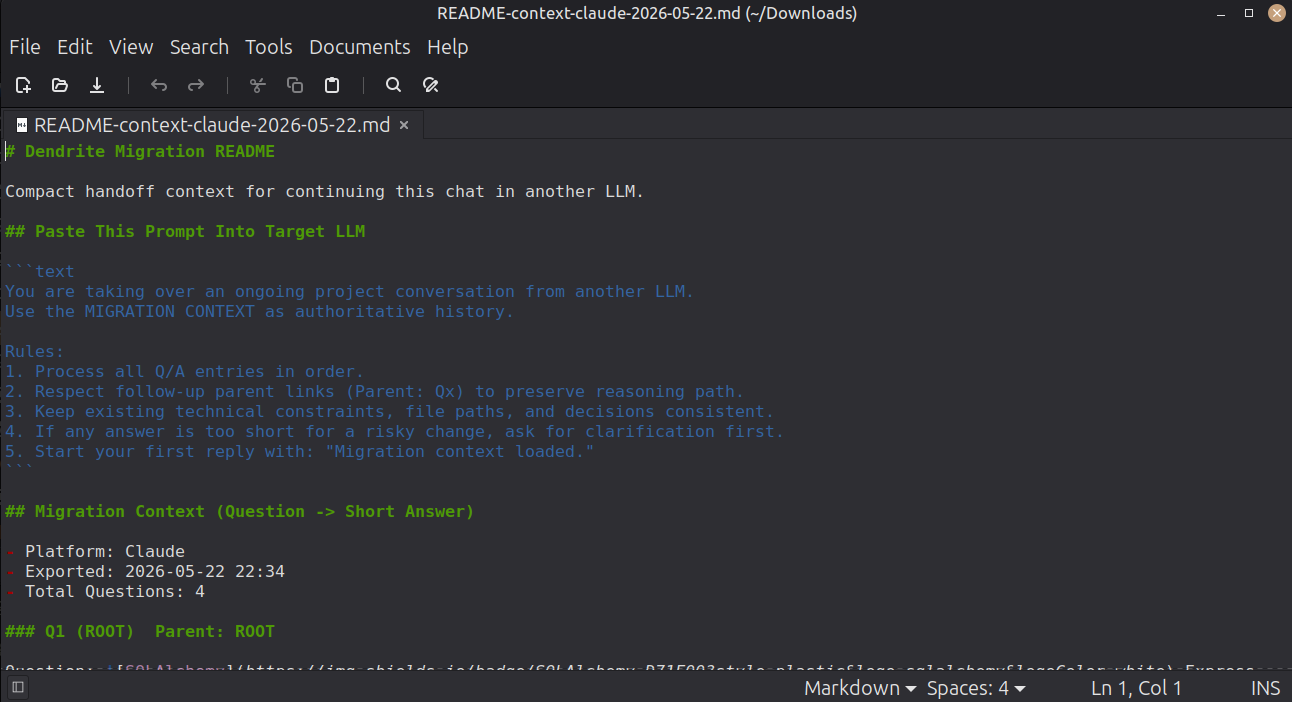 Context Migration
By The Numbers
0
External API Calls
O(n)
Layout Complexity
3
Platforms Supported
3s+
Build Time Required
Architecture
01
Content scripts watch the DOM for changes. When the LLM responds, the scraper analyzes new elements — extracting text, code syntax, images, and inferred context in real time.
02
A unified heuristic determines whether each question is a new topic or a follow-up, constructing parent-child relationships and building a full conversation tree.
03
Node coordinates are computed in C++ via WebAssembly, then rendered as an interactive SVG dendrogram — with ancestor chains, tooltips, and branch navigation.
"The average user scrolls through hundreds of messages to find a single code block. Dendrite reduces that to a single click."
— The Problem Dendrite Solves
Quick Start
Dendrite is currently available for Microsoft Edge, with more platforms coming soon. You can also run the extension locally with zero build steps.
Step 01
Install Dendrite directly from the official Microsoft Edge Add-ons store. You can copy the store link or open it directly:
Step 02
Click the Extensions icon (puzzle piece shape) in the Microsoft Edge toolbar, locate Dendrite, and click the eye/pin icon for quick access.
Step 03
Visit ChatGPT, Claude, or Gemini. Click the Dendrite icon to open the Side Panel. Start chatting — indexing is automatic.
Open Source
Dendrite is free, open-source, and built for the community. Contributions, issues, and ideas are welcome.